Beyond the Rumpelstiltskin Dance: Try Meme Video Maker
Keep your Rumpel barn dance, or try a new pet, dance or two-person scene. How to choose a Meme Video Maker template and prepare the right photos.
The tiny dancer and the spectator are a very specific joke. If you want another Rumpelstiltskin edit, make it here. If the next joke needs a pet, a different dance or a new setting, we recommend our sister product, Meme Video Maker. Its template library lets you choose a different scene and cast it with your own photos.
Disclosure: Rumpel and Meme Video Maker are operated by the same team. This is our introduction to another product we run, not an independent review. The examples below were checked against the public library on November 9, 2026; we are not claiming a hands-on test of every generation workflow.
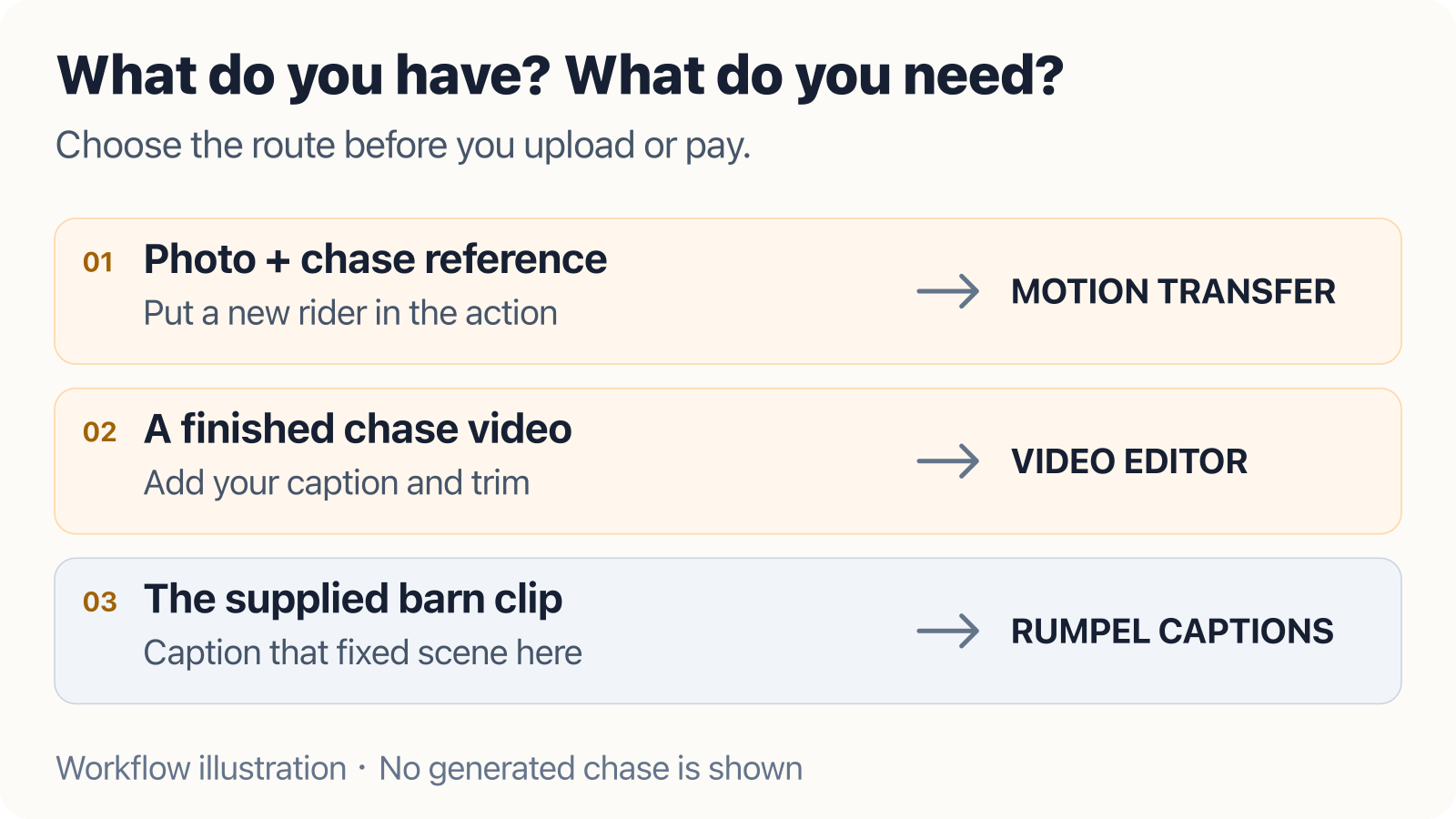
Do you want a new caption, a new cast or a new scene?
These are different tasks. A caption changes the joke written over the existing clip. Rumpel's AI modes can recreate the barn scene with a different dancer, spectator or both. A new setting needs a template designed for that setting; adding a sentence about a motorcycle to a barn-dance brief does not make it the same thing.
Use the caption editor when you want to keep the dance and change the text. Use Rumpel's tools for its existing character and scene workflows. For a different idea, browse the Meme Video Maker templates.
Match the joke to the photo you already have
- One clear pet portrait: Look at Cat on Surron for a wheelie scene, or Birthday Singing Cat for a greeting. Select the exact template first; their actions and output settings differ.
- Two separate portraits: I Love The Smiths builds an elevator encounter, while Coffee Making AI Video turns two roles into a kitchen skit. Decide who does what before placing the photos.
- A dance with a different mood: Explore Chiikawa Dancing Nokia or the ADDICTED Dance Challenge. Check each page's required cast rather than assuming your Rumpel dancer photo fills every slot.
The template examples help you choose a direction. They do not guarantee identical faces, exact reference choreography or a specific soundtrack in every output.
Prepare roles, not just files
For a two-person scene, write a short private note: “Photo one is the person entering; photo two is the person reacting.” Then check that the creator's slot labels match that assignment. Do not upload the same group photo into every role unless the template explicitly asks for it. Use sharp, unobstructed faces and images you have permission to use.
Before generating, inspect the final duration, aspect ratio, model, audio choices and credit quote. The template card's starting cost may differ from a customized output. Watch the completed download all the way through, especially the ending and any role changes, before posting.
What happens when you leave Rumpel?
Meme Video Maker is a separate website. Following this link does not move your Rumpel photos, credits, orders or existing videos into it. Follow its own purchase and access instructions, and check the current terms if you plan to buy credits. This recommendation does not promise free AI generation, shared balances or exact reproduction of a reference video.
Keep the barn dance when that is the joke you want. When you are ready for another setting, explore more meme templates on Meme Video Maker and choose the scene before you spend credits.